介绍
Imagine – 适用于 Windows 的图像浏览器
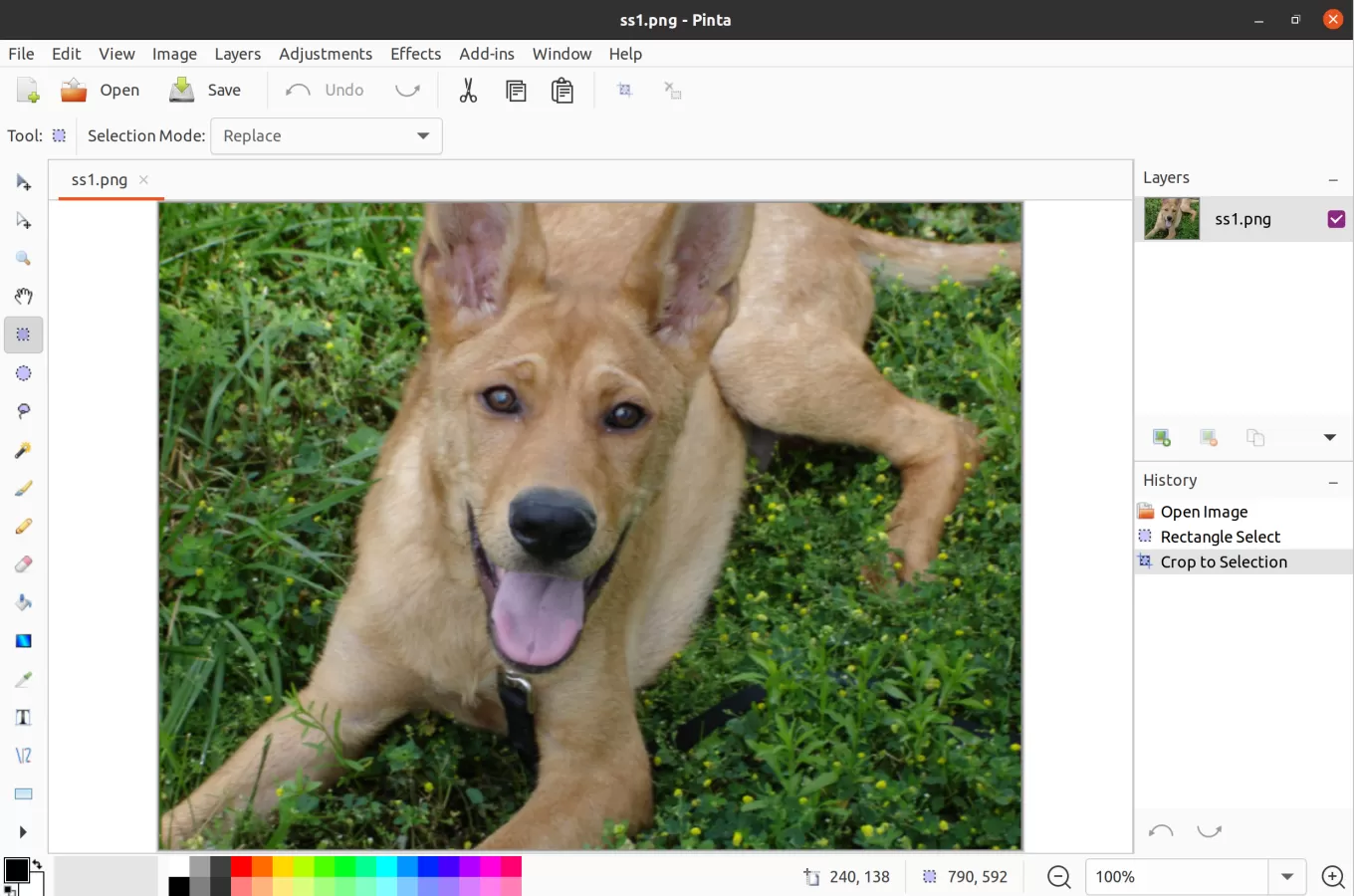
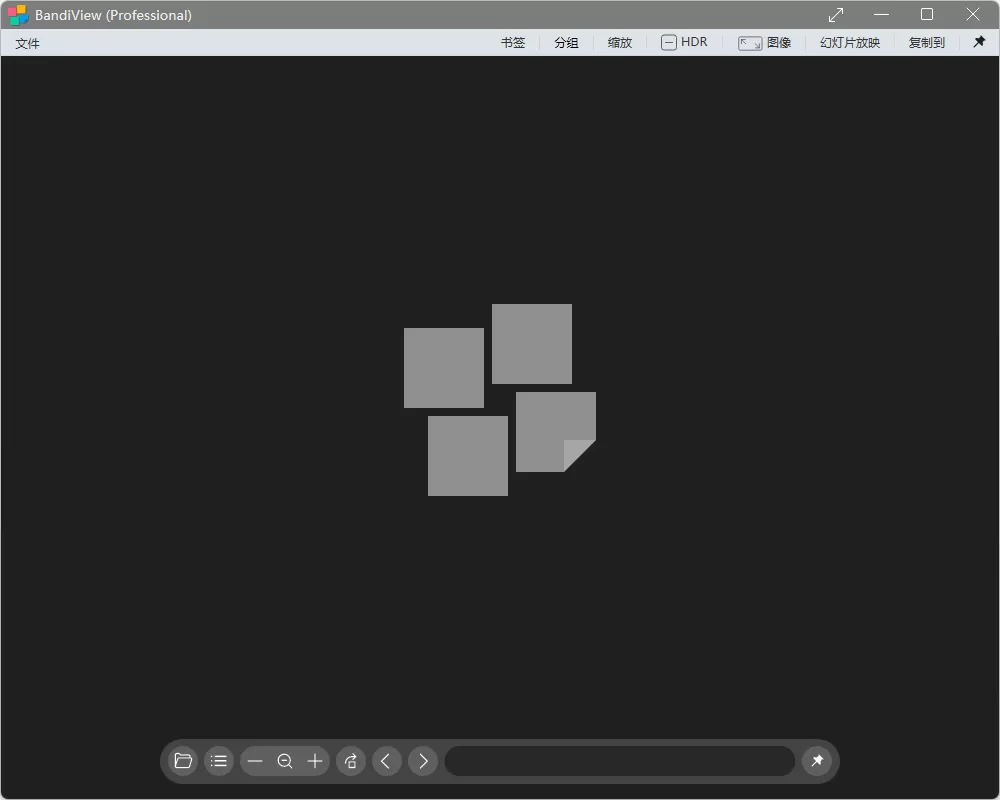
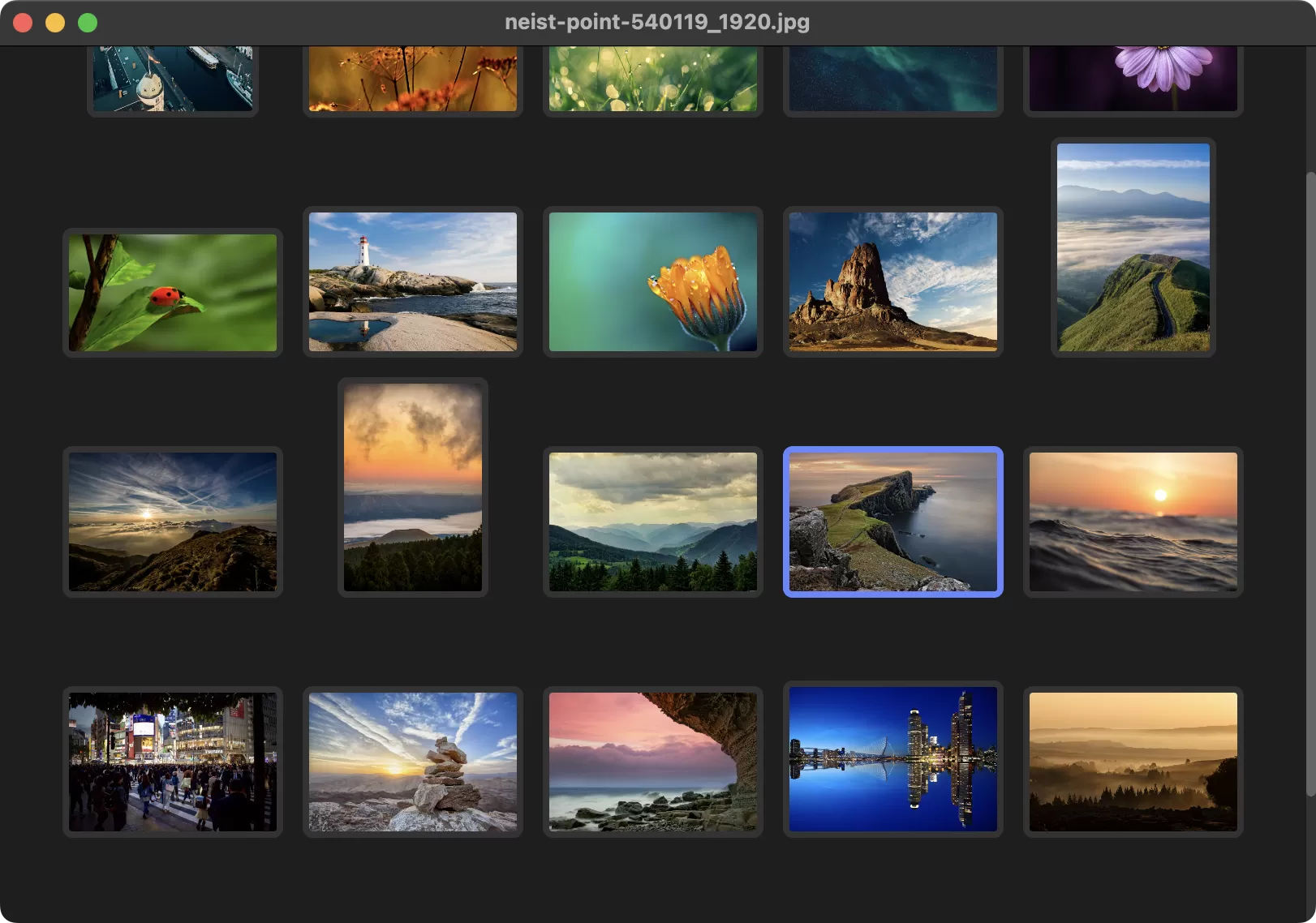
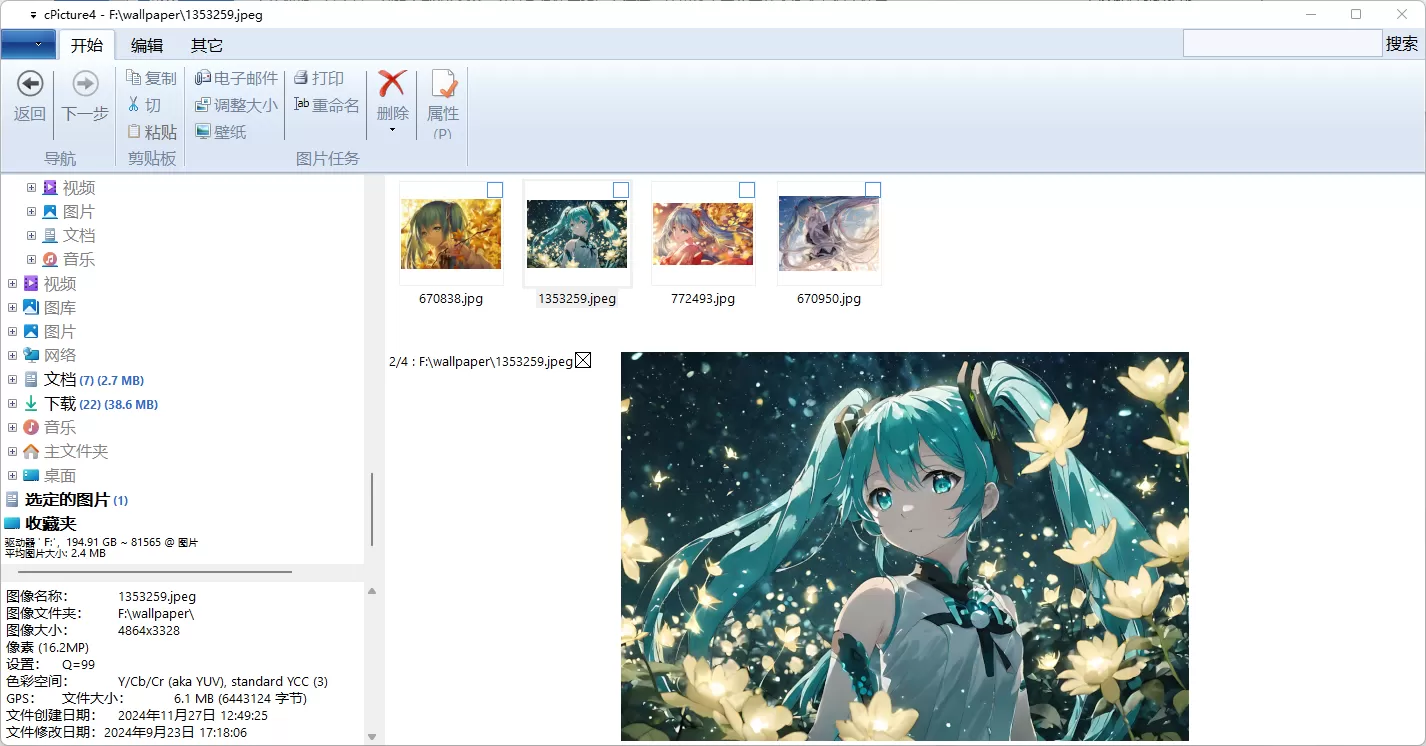
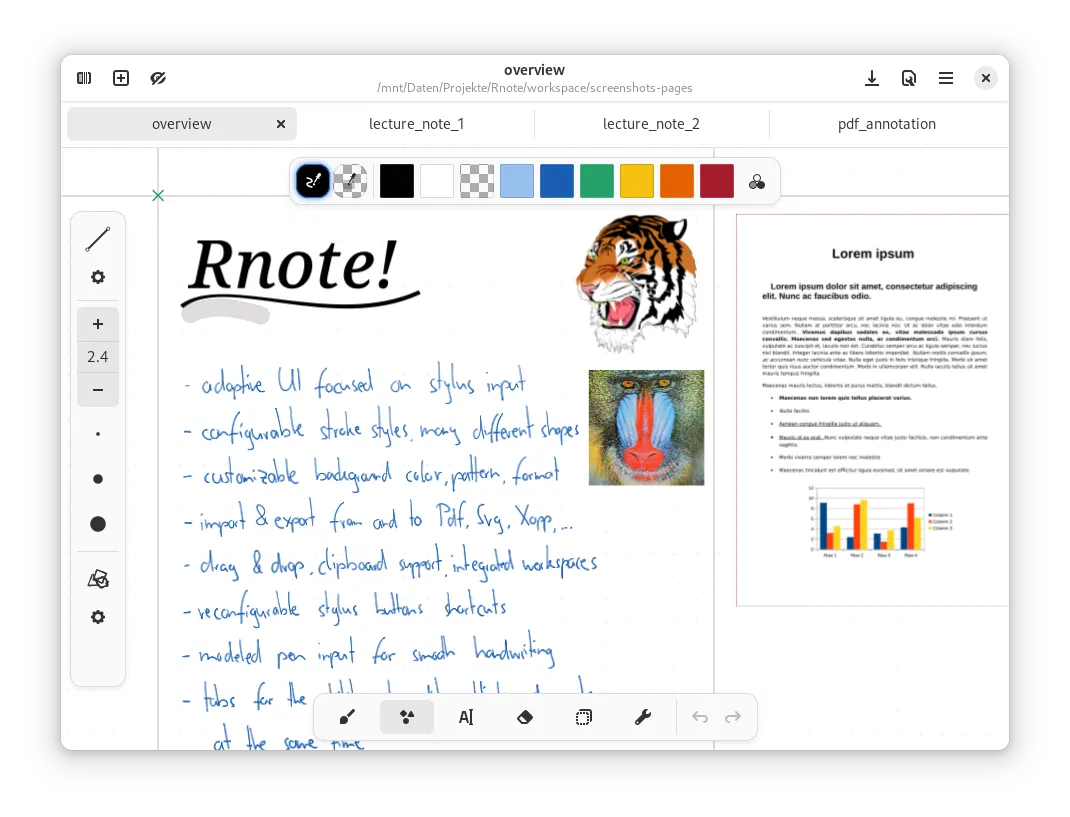
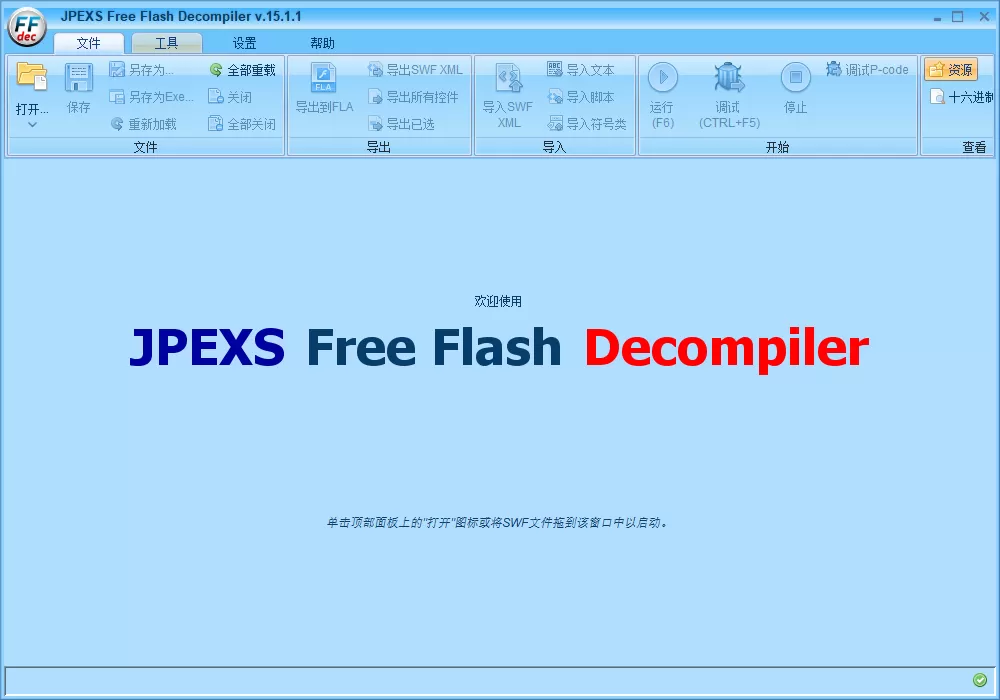
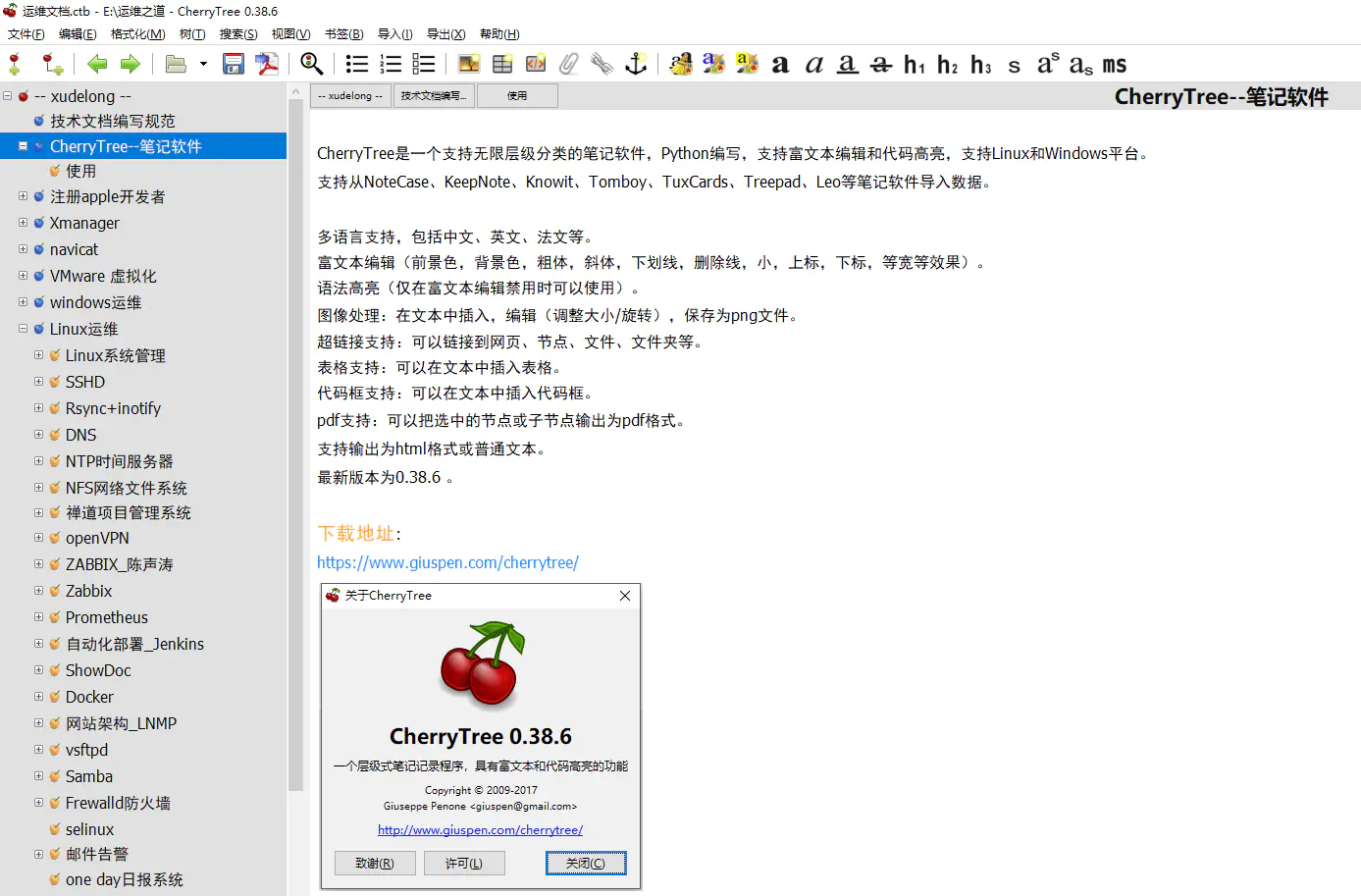
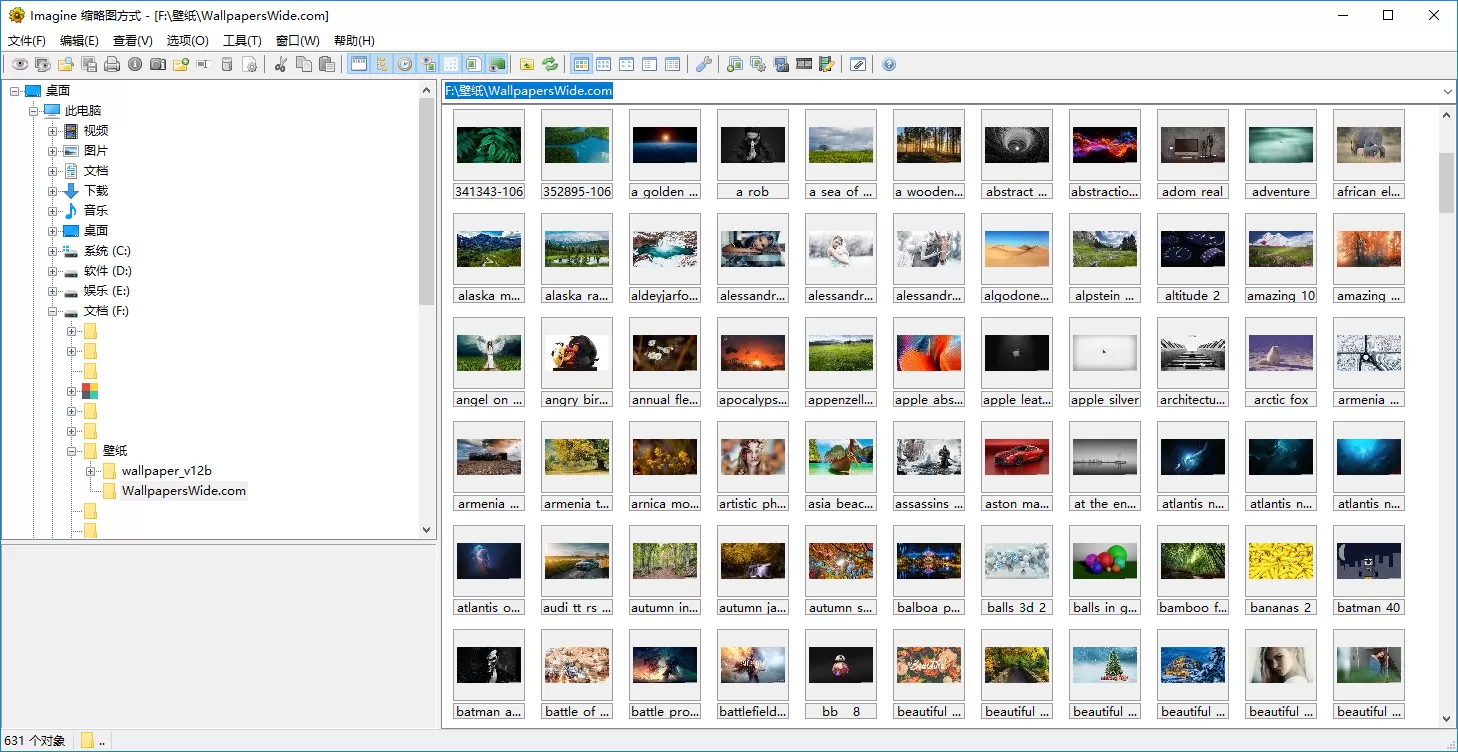
软件截图
软件特点
– 查看并保存图像/动画文件
– 支持众多图像/动画文件格式:
PNG,JPG,GIF,BMP,PCX,TGA,TIFF,ICO,CUR,LBM的,ANI,FLI,WMF,EMF等。
[collapse]- 从动画文件中提取单个/所有帧
– 显示图像/动画文件的详细信息
– 显示 EXIF 信息
– 显示或隐藏透明度
– 大量的压缩文件格式的支持:
ZIP, RAR, 7Z, ALZ, HV3, CBZ, CBR, CB7, ARJ, LZH, EGG, TAR, ISO, CAB, ETC。
– 64 位版本
– Unicode 版本
– 多语言支持:英语,中国,德语,西班牙语,俄罗斯,丹麦,韩国,日本等。
– 缩图浏览器
– 捕获屏幕
– 批量转换
– 幻灯片
– 平铺视图(检查无缝拼接的纹理,对于游戏开发商/游戏模组非常有用)
– 创建动画
– 创建多个页面的图像
– 操纵和编辑图像:
垂直翻转和水平
旋转左,右和自由旋转
灰度
负片
更改颜色深度(1,4,8,16,24和32位)
交换颜色
调整每个像素,百分比或标准尺寸。
几个可用的重采样过滤器。
效过滤器,包括一个方便的预览浏览器
新增,保存和编辑调色板
设置和删除的透明度
还有更多…
– 可定制的快捷键为键盘和鼠标
– 命令行参数的支持
– 外壳扩展支持
– 添加插件的支持
– Total Commander 列表和压缩插件
– 不写不必要的注册表(基于INI文件的配置)
– 完全优化的二进制代码(微小,纯净,快速,整齐)[/collapse]
更新日志
官方更新日志:
v2.2.0, Sep 21 2025
– Added: Metadata support in status bar
– Added: Customizing browser columns
– Added: ‘Use multithreading when available during encoding/decoding’ option
– Added: ‘Add archive files when loading directory tree’ option
– Added: Support for metadata, frames, pages and file type in browser columns
– Added: Support for metadata, frames and pages in browser status bar
– Added: Archive files appear identical to directories in the browser
– Added: ‘Reset all’ button in the Save Options dialog
– Added: Support saving as JPEG XL
– Added: Support saving as JBIG
– Added: ‘Lossless’ option in AVIF save options
– Added: Changed the icons of supported files in the browser
– Added: 24×24 command bitmap for High-DPI environment
– Added: ‘Print size’ in Image Information dialog
– Added: ‘Use skin’ option in Preferences
– Added: GPS degrees, minutes, and seconds can be translated
– Added: Automatically rename files when pasted into the same directory
– Fixed: When saving a file, the file list sometimes did not update
– Fixed: Sometimes changing the browser view mode does not work properly
– Fixed: During mouse crop, lines are not drawn at the right and bottom ends
– Fixed: Thread error when saving a file
– Fixed: Thread error when loading JPEG XL
– Fixed: Icon error when starting in full screen and then restoring to window
– Fixed: Browser directory items appear incorrectly sometimes
– Fixed: Browser thumbnail icons not displayed in Windows 2000/NT 4.0
– Fixed: Hangs that occur in Color Corrections on Windows 9x
– Fixed: Abnormal termination error in pop-up image window in Windows 95
– Fixed: Abnormal termination error in About dialog
汉化版更新日志:
v1.8.3
跟进官方版和简体语言翻译跟进
此版特点
– 简体中文语言跟进
– 帮助文翻译为件简体中文
– 快捷键设置优化(鼠标中键切换模式)
– 重新制作安装包为 32Bit&64Bit 二合一版本
– 语言精简(保留韩文、简体中文、繁体中文)
– 还有更多强大的功能可使用插件实现